✅ Releases - Multi-Space Workflows, Klaxoon Image Management + Admin Interface Update, and New Marketing Certification! (11/03/2025)
注目の投稿
TL;DR: Reuse workflows across spaces (Enterprise & Pinnacle), enhanced Klaxoon Whiteboard image management, redesigned Klaxoon Admin interface for simplified user management, and new Wrike for Marketing Certification - details below.
Feature Updates
- Space Workflows: Reuse Workflows Across Multiple Spaces (Enterprise & Pinnacle) 🔄
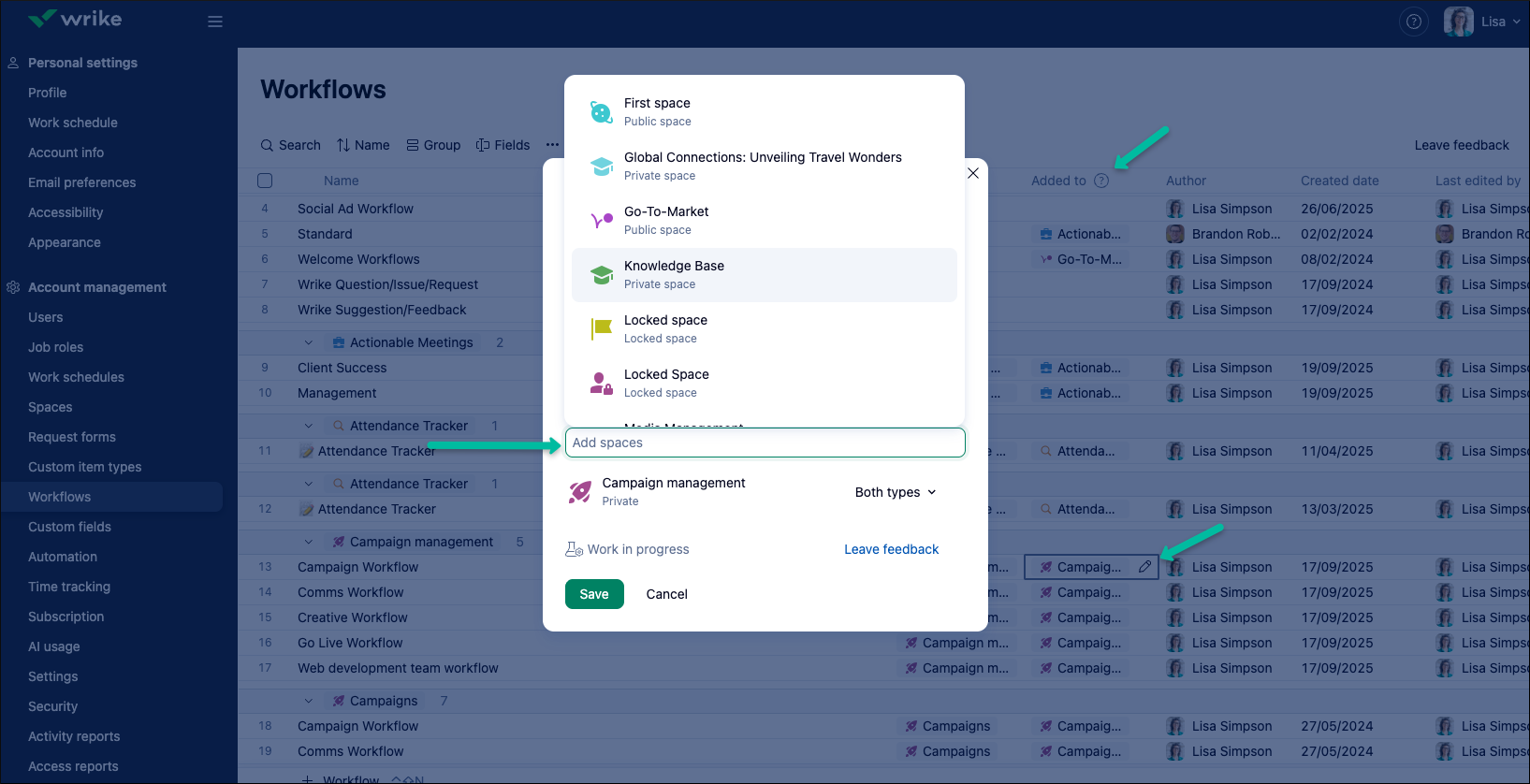
Now you can share and reuse workflows across multiple spaces, reducing duplication and administrative complexity. Manage workflow access by adding workflows to two or more spaces, and separately designate whether they are managed at the account or space level. This flexibility supports both centralized and decentralized administration, helping you maintain consistent processes while minimizing unnecessary account-level configurations.
This functionality is available on Enterprise and Pinnacle plans. For setup instructions and further details, please see the main Community post and Help Center Article.
- Klaxoon Whiteboard: Enhanced Image Management 🏞️
Image handling in Klaxoon Whiteboard has been significantly improved. Users can now upload, view, and retrieve higher-quality images to streamline visual collaboration.
What’s new?
-Display higher-definition images on the whiteboard (up to 4K, with a maximum image resolution of 32 MP).
-Drag & drop or paste images as stand-alone images by default, rather than as stickies.
-Support for importing WEBP image format.
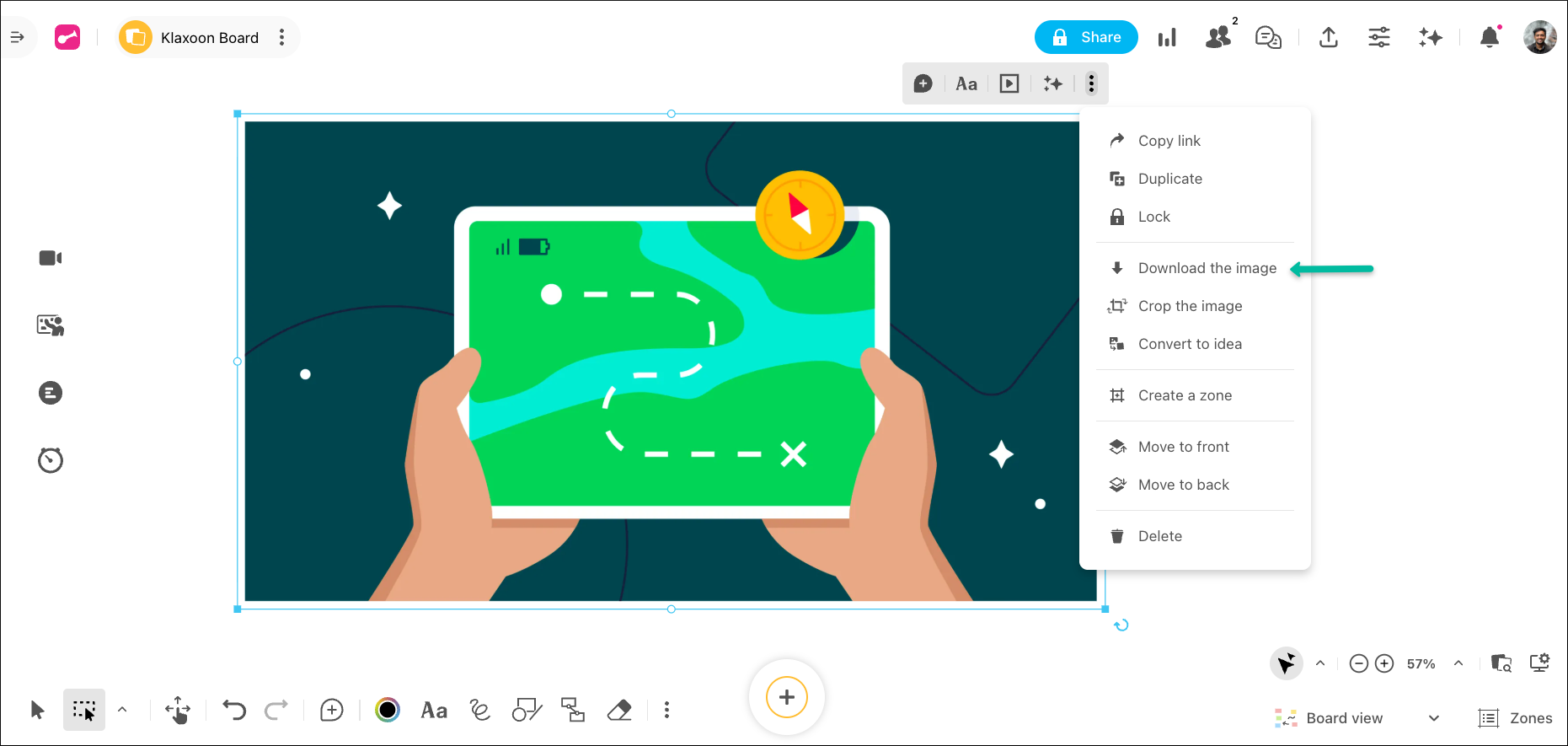
-Download images directly from the whiteboard without needing to open them in full screen.
- Klaxoon User Management: New Admin Interface 🚀
The redesigned Klaxoon Admin is now live! We’ve unified user management for Team and Company Admins, making every admin task faster, clearer, and more efficient.
What’s new?
-Unified "Users" page for both Team and Company Admins, no need to dive into individual teams.
-Bulk actions for invitations, role upgrades, account deactivation, and more.
-Enhanced import/export: guided multi-user import, user CSV updates, export users by status (with labels).
-Quick navigation with tabs for Active, Pending, and Deactivated users.
-Custom user labels to better sort, track, and manage your users.
Manage users with fewer clicks and get more done, check out the Help Center article to learn more.
Community News
- New Discover Course: Wrike for Marketing Certification! 🔥
Take your marketing and creative projects to new heights with Wrike’s new Marketing Certification. Enjoy interactive modules, hands-on exercises, and best practices for streamlined campaign success. Check out our main post for full details and start your certification today!
Rohan V Community Team at Wrike Wrike Product Manager Wrike Discover で Wrike のエキスパートになろう
Rohan V Wrike Team member Wrike Discover で Wrike のエキスパートになろう
Great improvement by sharing space workflows! Would love to see this also for CITs and blueprints!
Sharing workflows will be very helpful. The new discover course sounds perfect for our team!
I echo Florian's comment! I hope workflows are the "gateway drug" to having the ability to move/share CITs, blueprints, AND forms! Our org restructures a lot and I've spent a lot of time rebuilding forms or leaving them in one space, only to edit them to generate projects/tasks in other spaces.
Thank you, everyone, for all your comments! 🙏 We’re glad to hear that the sharing space workflows feature has been helpful, and we will make sure to forward your feedback to the relevant team for their visibility 🙌
Rohan V Community Team at Wrike Wrike Product Manager Wrike Discover で Wrike のエキスパートになろう
Rohan V Wrike Team member Wrike Discover で Wrike のエキスパートになろう