HELP!!! My custom fields are not automatically populating in subfolders from intake form submission

Hi everyone - hope you can help me.
Once my intake form has been submitted for a new design request, it builds out the projects correctly from my "deliverable type" drop down. So that is good.
And in the project, the fields and info chosen at intake populate at the PROJECT LEVEL.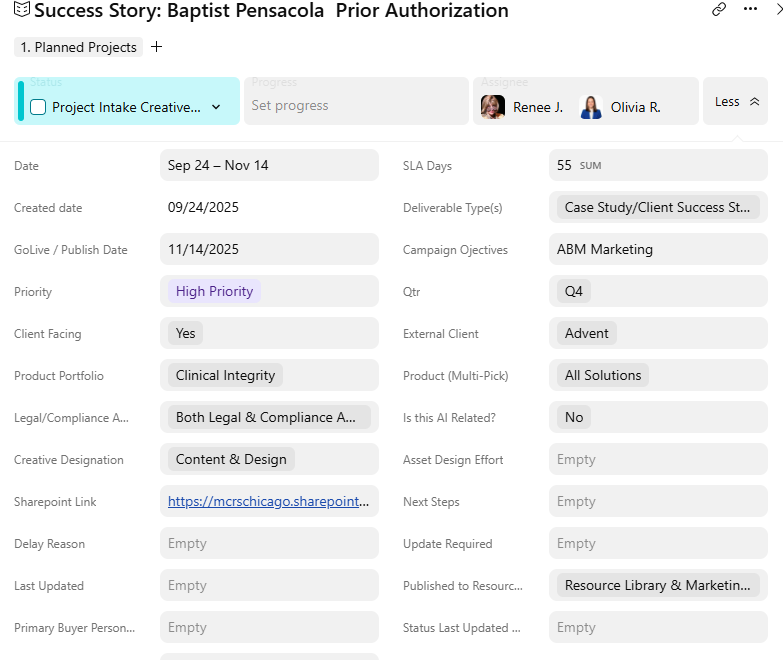
BUT - when I open my sub folders within the project, NONE of the custom fields from the INTAKE form automatically get updated and I have to MANUALLY put them into each item type I created for Content, Design and Production. See below: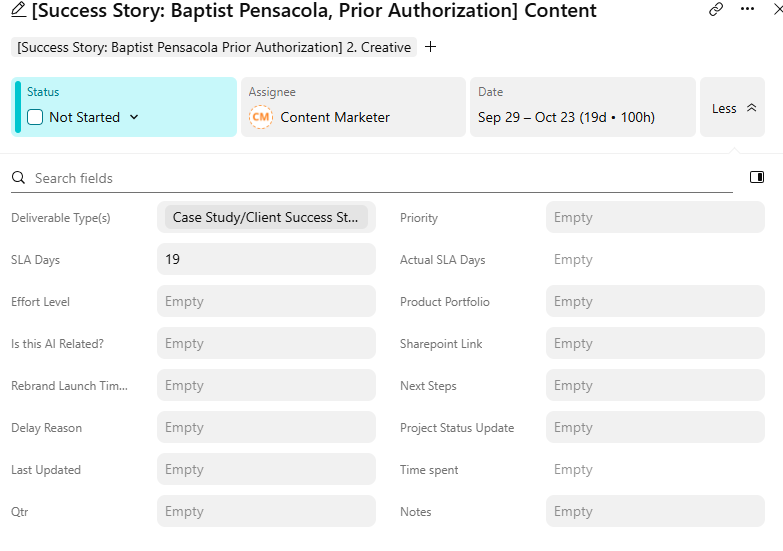
and this is my Design Custom Item Type - again - no custom fields were automatically populated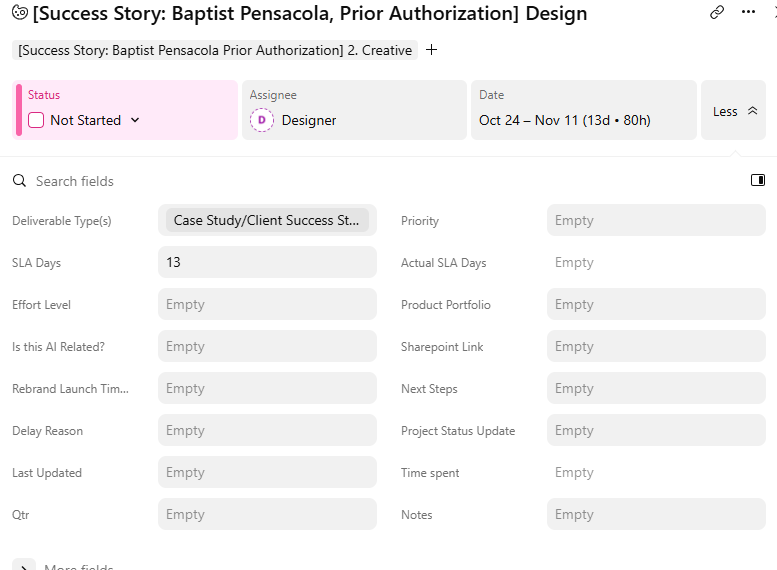
HOW CAN I AUTO POPULATE
Hi Renee, we would LOVE the autopopulation of subtasks with custom fields to be a standard Wrike feature.
In the meantime, the way we (tediously) do it is to create a table view with the custom field columns turned on and drag down the parent choice to the sub-tasks.
I believe you can also build an API
We had this wish as well and found a workaround by using subfolders. If a custom field x on project level is set that project gets added to a subfolder x. And then another automation picks up that adds for all tasks in that subfolder x the custom field entries. With that you get a ton of automations and naming get the important key. But at least is works and overcomes a manual step
Hi Renee, we would also love auto-population of subtask custom fields. We do the same as Deborah by dragging in table view. Not perfect but is reasonably quick.
In some instances we have used custom item type subtasks for each of the options and prepopulate them. By way of example, I have 70 politicians to deal with so I created a blueprint for each of them with all the relevant data in the custom fields, then pulled that blueprint in depending on the selection in the request form. It sort of work as the Project does not have many levels, but that approach becomes very complex if you have lot of options and lot of levels if the Project.
Maybe someone else has come up with a better work around, or even an API (beyond my skill level unfortunately!)
Same as what Deborah does. We do ensure our blueprints have all the necessary custom fields to speed it up.
It adds a few extra minutes to each project setup, but a good reminder to QC what is needed.
We would also love this. We too drag custom field values in table view as a work around, using blueprints to make sure all fields are available, but it is tedious.
Another here who drags in tables. Definitely feels like we'll never get this improvement, although it's one of the most asked for in this community.
Thank you all SOOOOO much for your time! I am new to Wrike - been on it 3 months now - building it myself from the ground up and LOVE IT!!! Thank you again :)
This is an issue for our organization as well. We have gone back and forth with Solution Designers and Consultants trying to come up with a reasonable way to make this happen. While we have not enacted it yet, I believe if your account includes integrations that a Wrike to Wrike integration can also be created to populate the custom fields instead of the drag and drop workaround.
We use Wrike Integrate to populate custom field values for subitems like folders and CITs.
Wrike Integrate’s been incredibly helpful—we’ve built numerous automations and integrations with tools like SharePoint, Outlook, and Excel to further streamline our workflows.