Default Timesheet Date/Week to Current Date

The date/week selected on the timesheet appears to save ONLY when you click File -> Close which means that my timesheet is often weeks behind when I shutdown or reboot my computer without first deliberately closing Wrike.
I'd like to see the timesheets default to the current date/week when opened so I don't have to click through them so often or for the current selection to be saved more regularly than having to click File -> Close.
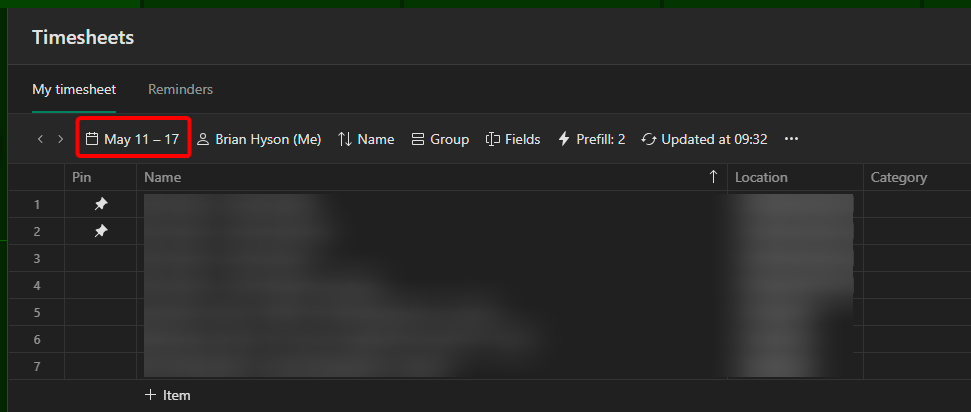
This is strange it already defaults to the current week for me. Maybe there's a setting somewhere on this?
Hey Brian Hyson! 👋🏼 As Tiffany mentioned, the timesheet should default to the current week. If you're still experiencing this, I suggest reaching out to our support team for advice. Please let me know if you'd like me to raise a ticket on your behalf. Thank you! 😊
Basudha Sakshyarika Community Team at Wrike Wrike Product Manager Wrike Discover で Wrike のエキスパートになろう
Basudha Sakshyarika Wrike Team member Wrike Discover で Wrike のエキスパートになろう