Remove Custom Fields from List View

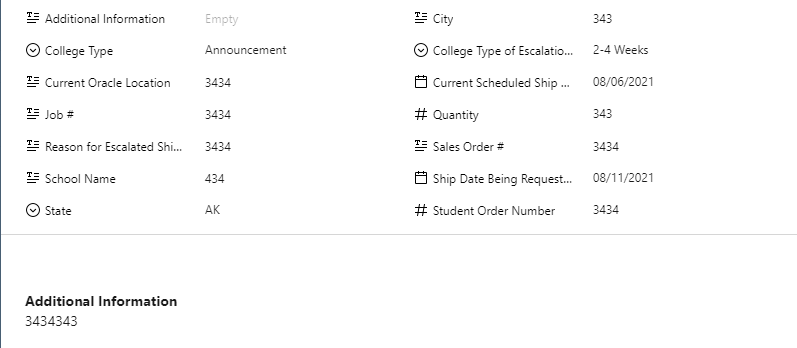
Hello! I have the Additional Information custom field set to description so it appears below the fields list in the list view. Is there a way where it ONLY appears in the description and not in the field list as seen in this image? I've tried hiding the field but it still appears here in the list view. Thank you!
Hello Jack O'Brien, welcome to the Community 👋🏻
Currently, it's not possible to hide the custom fields in the description. There are two relevant Community posts here and here, could you please check and let me know if they are similar to your use case?
If so, please upvote the suggestions. Please let me know if you have any other questions.