Default Timesheet Date/Week to Current Date

The date/week selected on the timesheet appears to save ONLY when you click File -> Close which means that my timesheet is often weeks behind when I shutdown or reboot my computer without first deliberately closing Wrike.
I'd like to see the timesheets default to the current date/week when opened so I don't have to click through them so often or for the current selection to be saved more regularly than having to click File -> Close.
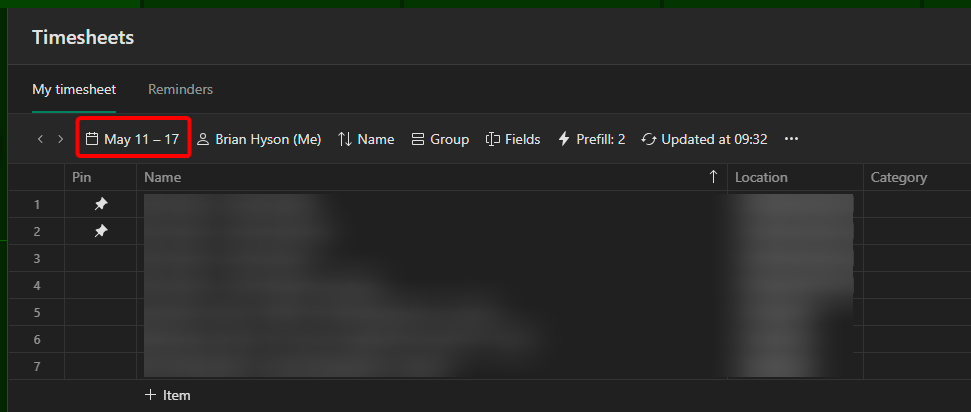
This is strange it already defaults to the current week for me. Maybe there's a setting somewhere on this?
Hey Brian Hyson! 👋🏼 As Tiffany mentioned, the timesheet should default to the current week. If you're still experiencing this, I suggest reaching out to our support team for advice. Please let me know if you'd like me to raise a ticket on your behalf. Thank you! 😊
Basudha Sakshyarika Community Team at Wrike Wrike Product Manager Conviértete en un experto de Wrike con Wrike Discover
Basudha Sakshyarika Wrike Team member Conviértete en un experto de Wrike con Wrike Discover