Klaxoon Activities Explained: When to Use Board, Quiz, Survey, Questions, Adventure, and Mission ✔️
Featured
TL;DR: Use this quick guide to choose the right Klaxoon activity for your goal—whether you need to brainstorm (Board), assess knowledge (Quiz), collect feedback (Survey/Question), build self-paced learning (Adventure), or structure a process (Mission).
Hello Community! 👋
We’re back with another Klaxoon post 💯
Today, we’re highlighting how to choose the right activity for your objective. As you know, Klaxoon offers a wide range of tools, and it’s natural to ask: “Which one should I choose and for what occasion?” This article will help you see things more clearly ✔️
What is Klaxoon Board and when should I use it?
The Klaxoon Board is an infinite digital whiteboard. It's the perfect tool for creativity workshops, project retrospectives, mind mapping, or just gathering ideas (text, images, drawings, links) in one place. Each participant can contribute in real time!
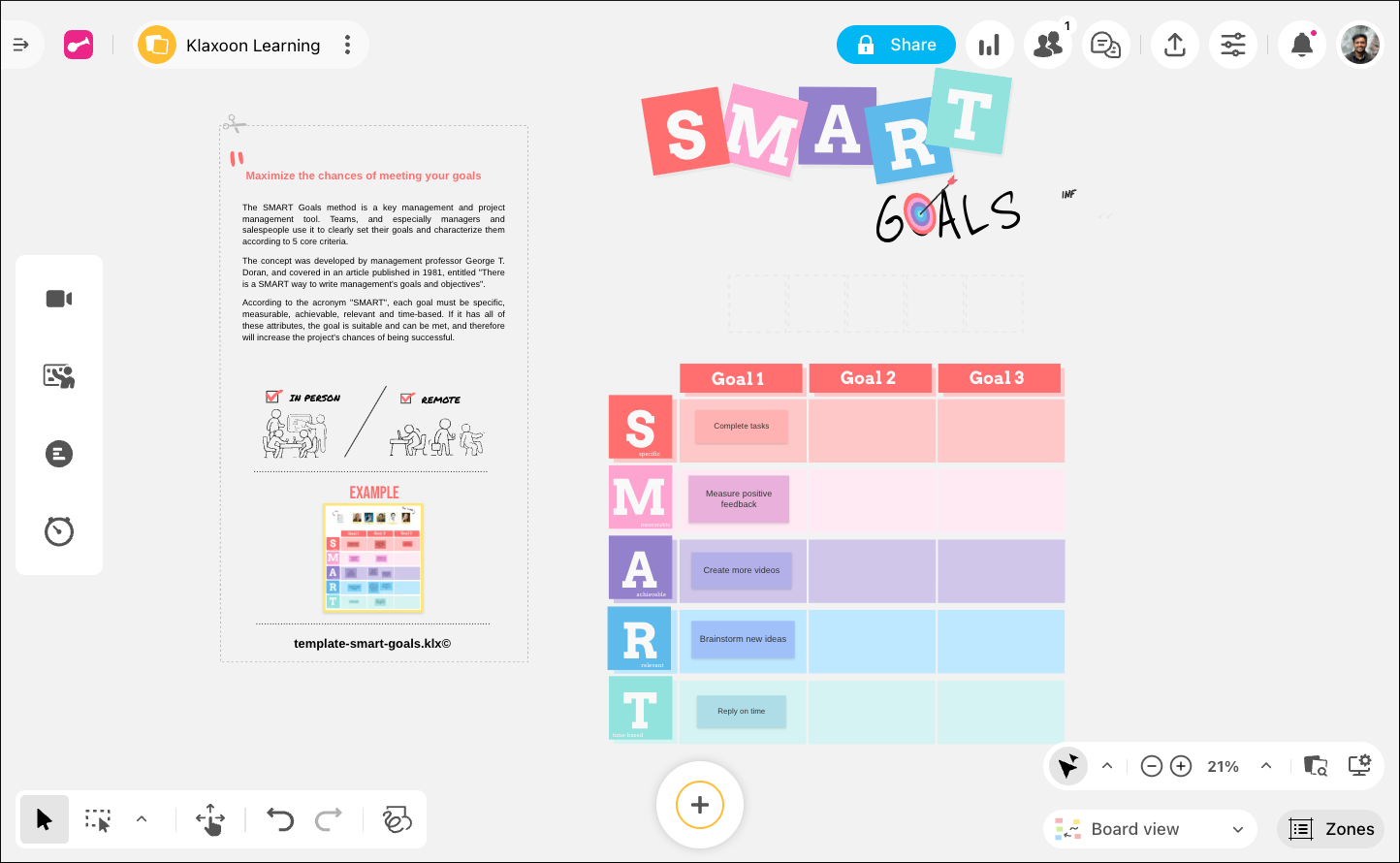
Use case:
- Agile ceremonies: Run sprint planning, story mapping, and more.
- Project hubs: Centralize briefs, timelines, visuals, and links so cross-functional teams co-create in one workspace.
When should I run a Quiz to test knowledge and assess understanding?
With its timed questions, rankings, and different formats, the Quiz is ideal for validating what’s been learned, leading a training session in a fun way, or simply checking your audience’s understanding of a topic.
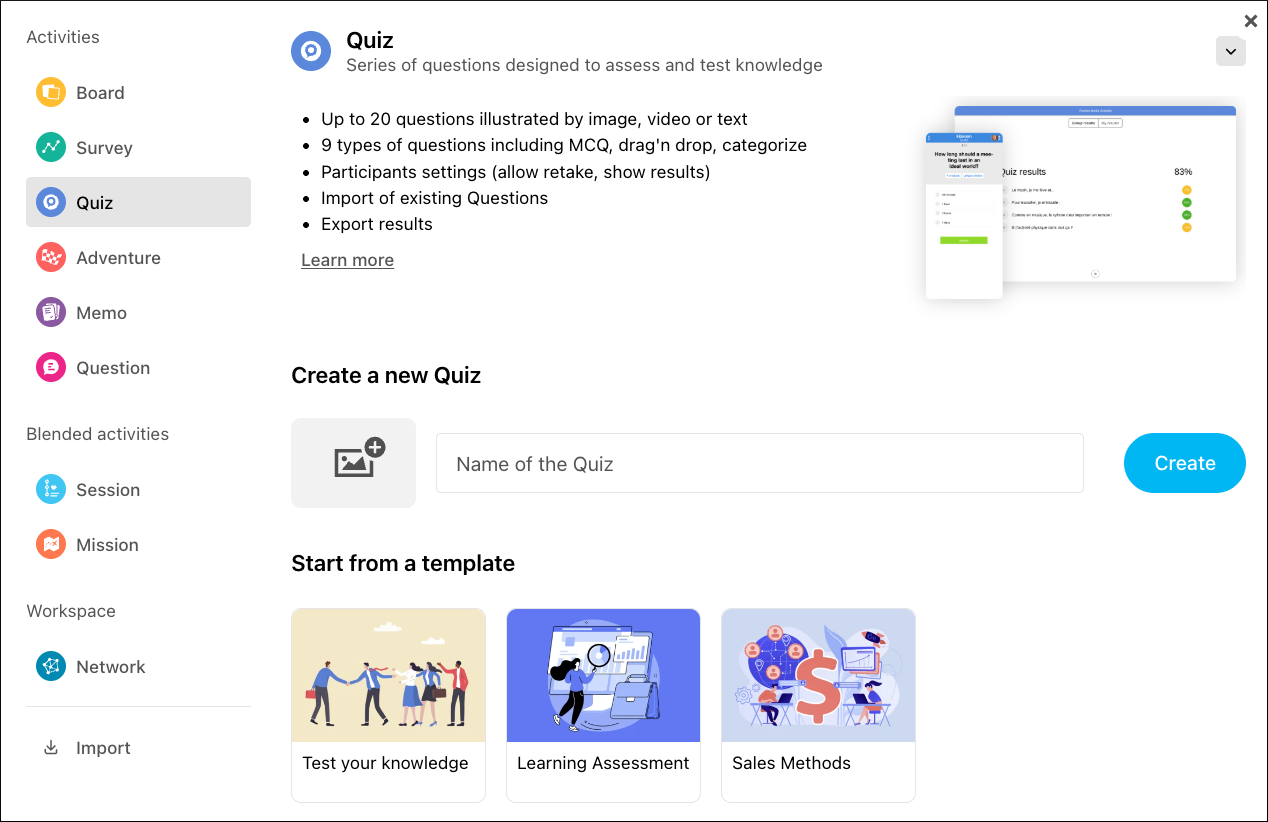
Use case:
- Pre/post training tests: Measure knowledge gain during workshops or e-learning.
- Certification practice: Timed MCQs with leaderboards to prepare teams for exams.
- Safety/compliance checks: Quick end-of-session quizzes to confirm understanding.
Survey vs. Question: Which should I use to collect feedback and quick inputs?
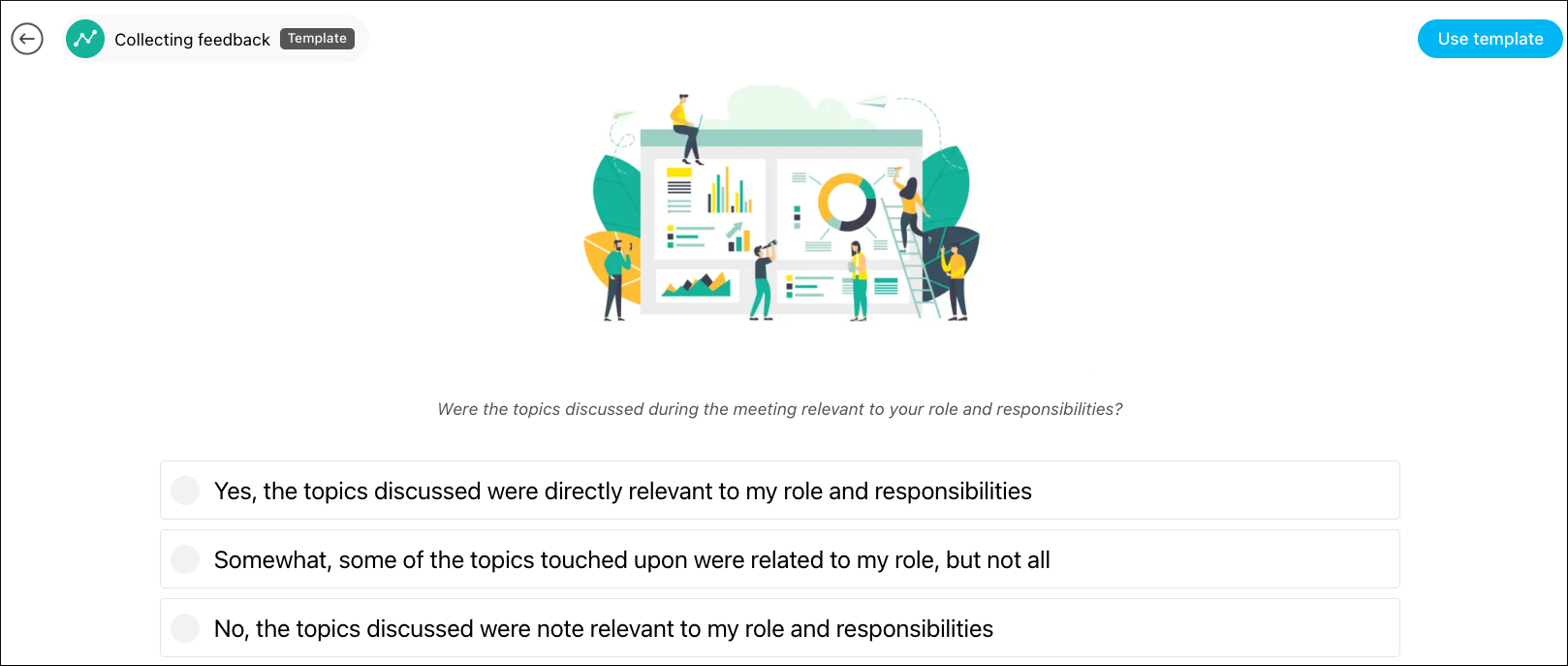
Survey: Perfect for getting quick feedback via ratings (stars), votes or MCQs.
Use case:
-
Feature or idea prioritization: MCQs/ranking to choose roadmap items or workshop outcomes.
- Event/course feedback: Session ratings (stars), NPS, and comments to improve experiences.
-
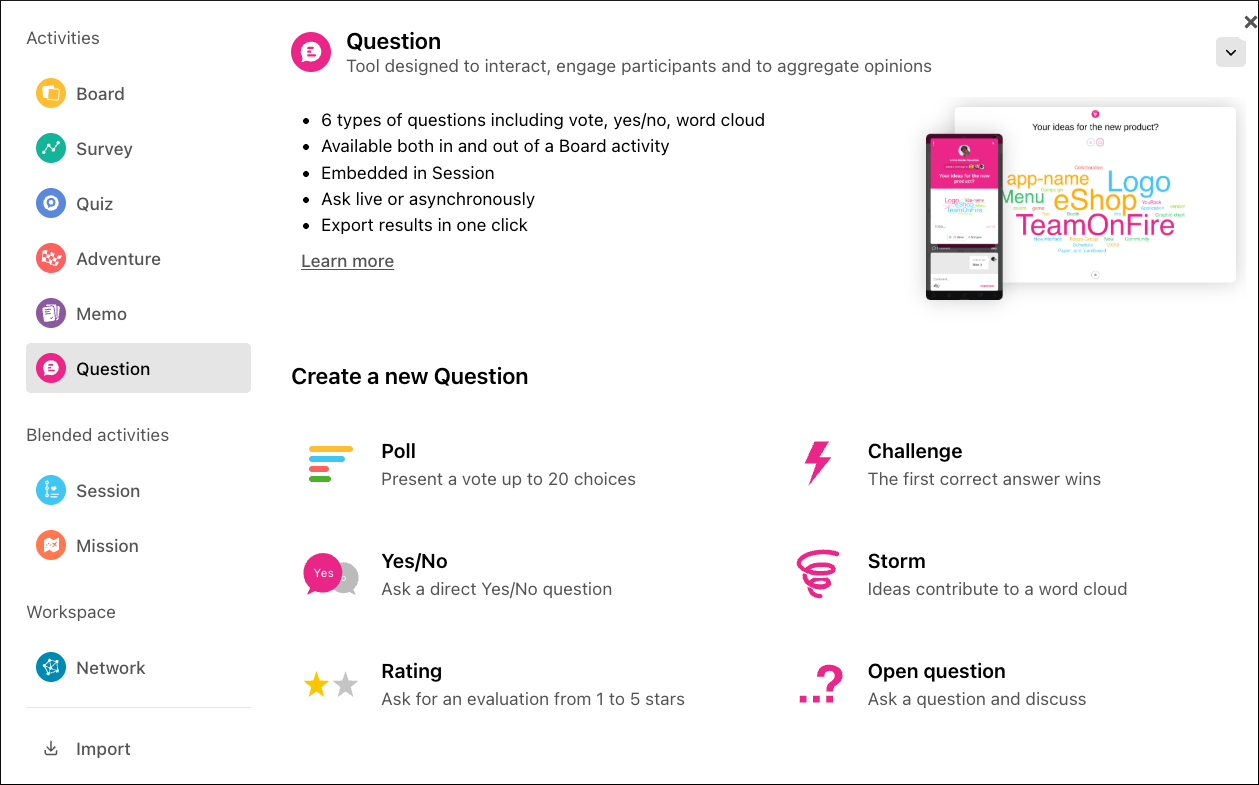
Question: Ideal for starting a debate or collecting short ideas in the form of a word cloud.
Use case: - Icebreaker word cloud: “In one word, what do you expect from today?” to set the tone.
- Fast decision poll: Yes/No or MCQ to unblock choices during meetings.
- Parking lot/Q&A: Collect short questions and ideas live to address at the end.
How does Adventure create a fun, self-paced learning path?
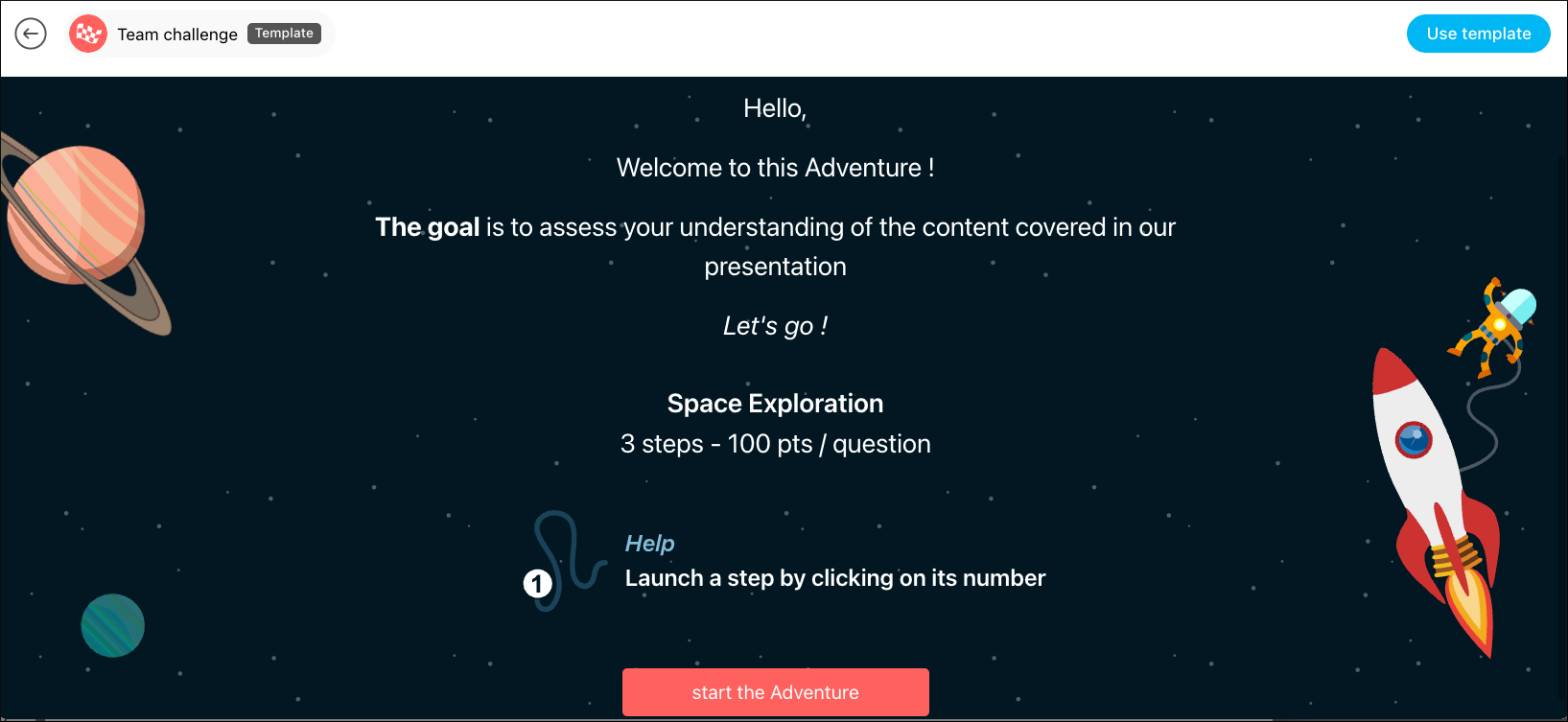
The Adventure transforms your content (videos, presentations, quizzes) into a gamified journey. Participants progress at their own pace through different stages, earn points and follow a story. This is excellent for online training (e-learning).
Use case:
- Scenario-based practice: Customer support or sales simulations with branching checks.
- Compliance refreshers: Bite-sized modules learners complete at their own pace.
How can Mission structure onboarding or multi-step project plans?
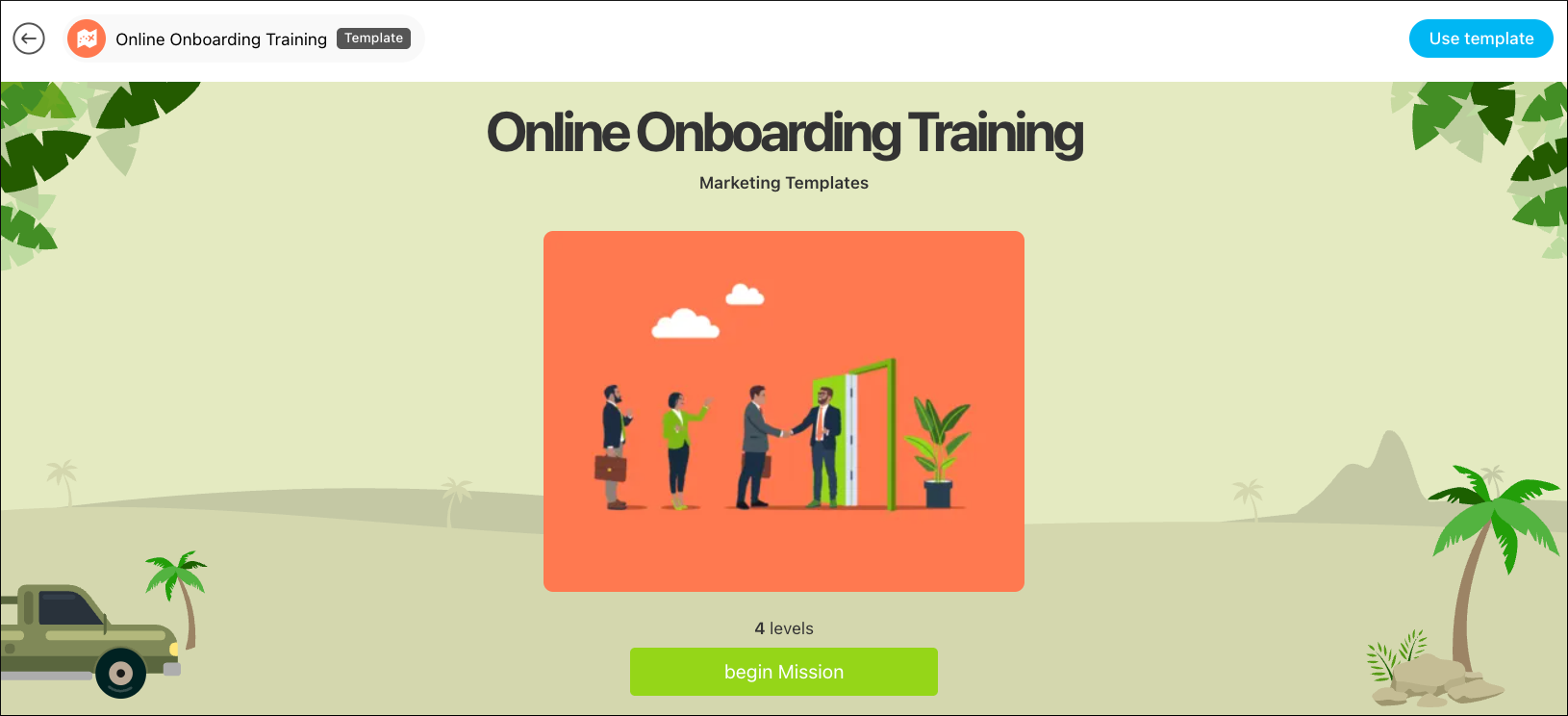
The Mission allows you to organize a sequence of Klaxoon activities and external content (articles, videos) in a structured path. The participants move forward step by step. It is the perfect tool to guide a group through a defined process over a longer period of time.
Use case:
- New hire onboarding: Sequence of Boards, Quizzes, and docs.
- Workshop series: Prework Survey, live Board session, then post-Quiz and resources over a week.
To learn more about each activity (including how to create and use them), see the detailed articles below 👇
FAQ
Q: How do I decide between Survey and Question?
A: Use Survey for structured feedback (ratings, votes, MCQs). Use Question to spark open input or a word cloud.
Q: Can I combine activities in one flow?
A: Yes—use Mission to sequence multiple activities and external content.
Q: Can I run sessions both live and async?
A: Yes. Board, Survey, Question, and Mission support both; Quiz and Adventure work live or self-paced depending on how you share them.
We’re eager to hear your experiences, thoughts, and feedback—let us know what you want us to cover next in the comments below! 👇
Rohan V Community Team at Wrike Wrike Product Manager Become a Wrike expert with Wrike Discover
Rohan V Wrike Team member Become a Wrike expert with Wrike Discover
Can you help? Answer the question and work your way towards becoming a Wrike Ninja 🥋 Sign in and answer.
Please sign in to leave a comment.