How to Set Up a Klaxoon Activity: Unleash Your Creative Superpowers! ✨
Featured
Hi everyone! 👋
Looking to make your meetings, training sessions, or team workshops more interactive? With Klaxoon’s activity creation tools, it’s easier than ever to launch engaging and productive sessions. Here’s a simple guide to help you get going ✔️
Start With the “New” Button
At the top of your Klaxoon dashboard, you’ll spot the New button. Click it to open up all your activity options, organized to help you find exactly what you need:
- Activities: For quick, stand-alone engagement.
- Blended Activities: Great for more dynamic sessions.
- Workspace: Perfect for creating a dedicated collaboration hub for your team.
Tip: Hover your cursor over each activity for a quick description. If you’d prefer a cleaner look, click the small arrow to hide these tips—Klaxoon will remember your preference!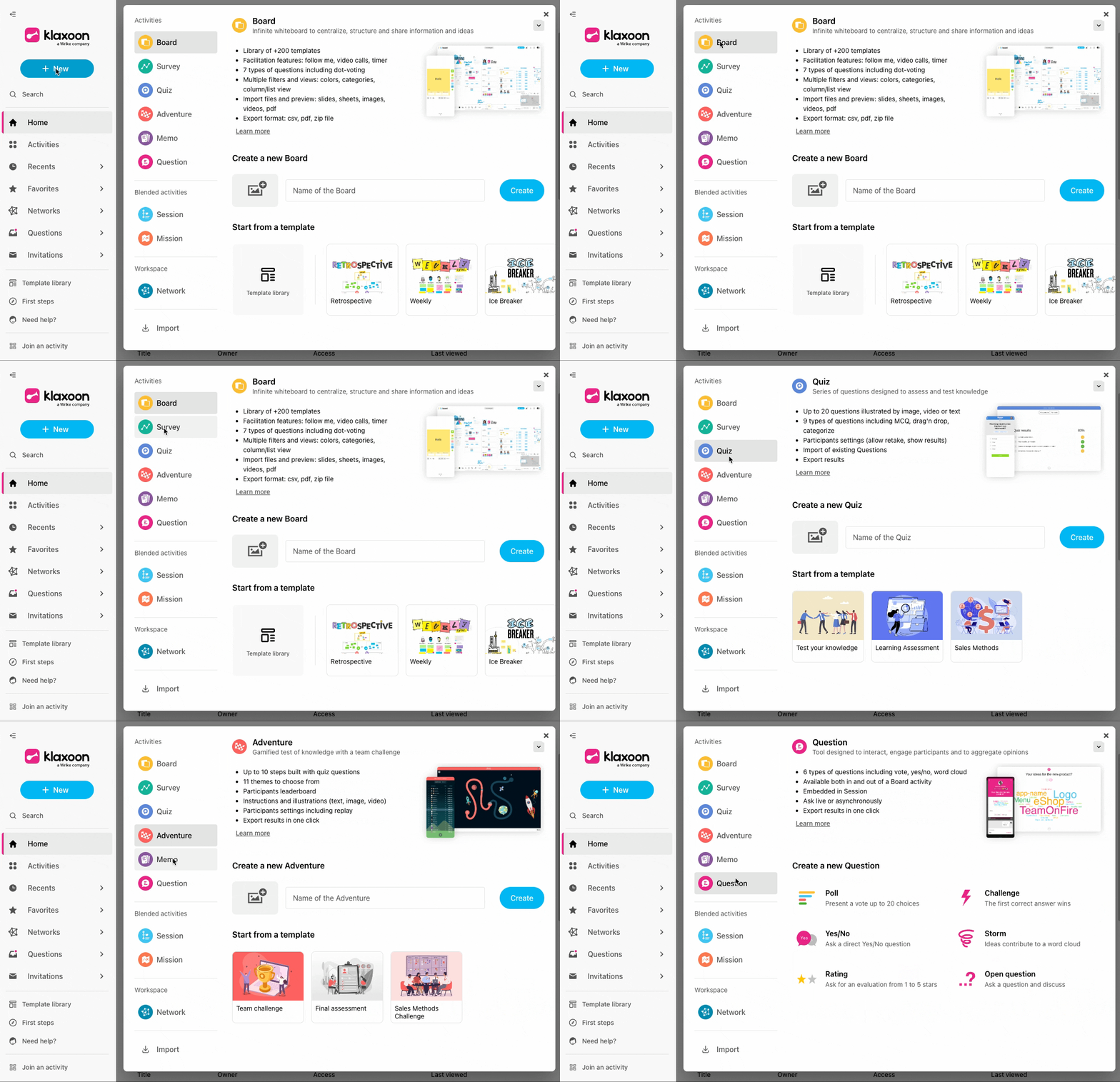
Choose How You Want to Create
- From Scratch: Want to tailor every detail? This is the way to go.
- Use a Template: Short on time or looking for inspiration? There are plenty of ready-to-use templates to jumpstart your session.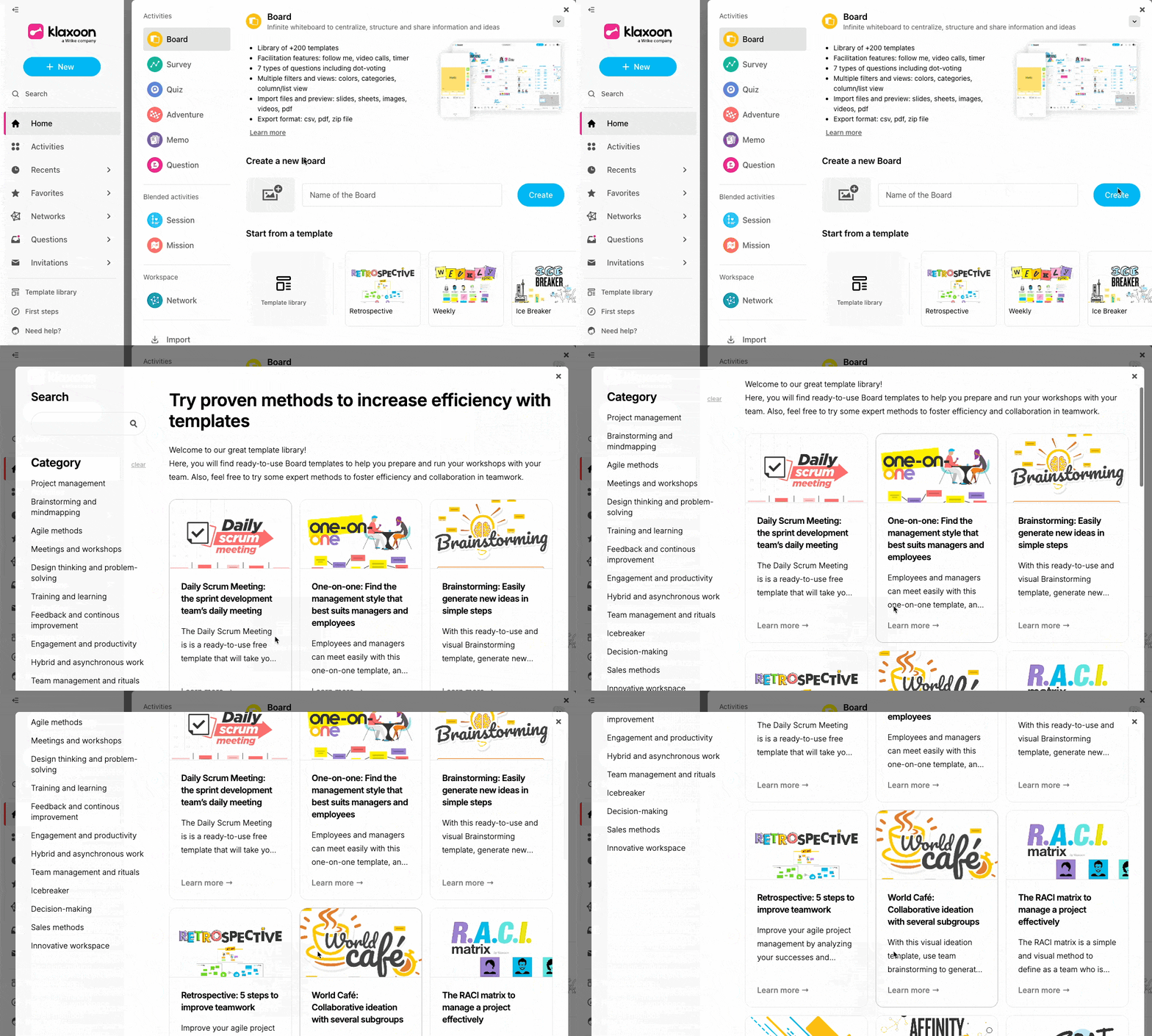
Once you make your choice, you’ll head straight to the Studio—the space where you can design your activity with a fresh, clean background.
- Here’s a quick overview to help you choose 🙌
Activities
Board
Unleash your creativity with a digital whiteboard, perfect for brainstorming, ideation, and collaborative work sessions.
Survey
Gather valuable insights and feedback from your team or audience with customizable surveys, making data collection a breeze.
Quiz
Test knowledge and comprehension with interactive quizzes, ideal for training sessions and educational activities.
Adventure
Gamify learning and team challenges with Adventure, an immersive experience that fosters collaboration and competition.
Mémo
Share knowledge effectively with a succession of pages, perfect for tutorials, guides, and step-by-step instructions.
Question
Spark discussions and encourage participation with open-ended questions, promoting engagement and critical thinking.
Blended activities
Session: Elevate your meetings and training sessions with live presentations and interactive features, fostering dynamic collaboration.
Mission: Transform learning into an exciting adventure with gamified e-learning courses designed to assess skills and knowledge.
Workspace
Network: Create a private workspace for your team, providing a secure environment for collaboration and confidential discussions.
To learn more about the activities in Klaxoon, please refer to our detailed help center articles by clicking here.
- Customize and Launch
All set? Personalize your activity—adjust the layout, add your content, and tweak the settings as needed. When you’re ready, invite your team and start collaborating!
NOTE: Wrike now integrates with Klaxoon! To learn more about this new integration and how you can get started, check out the dedicated article on our Help Center.
Share Your Tips and Experiences! 👇
Do you have a favorite template or a creative way you’ve used Klaxoon activities? Questions as you get started? Post below—we’d love to hear about your experiences and help you make the most of Klaxoon!
Rohan V Community Team at Wrike Wrike Product Manager Become a Wrike expert with Wrike Discover
Rohan V Wrike Team member Become a Wrike expert with Wrike Discover
Hi Rohan,
I only have access to create Boards and Networks, why would that be?
Kind regards,
Warwick
Hi Warwick Hutchins 👋
Thank you for reaching out. I’ve asked our Support Team to look into this, and they will be in touch with you shortly 👍
Rohan V Community Team at Wrike Wrike Product Manager Become a Wrike expert with Wrike Discover
Rohan V Wrike Team member Become a Wrike expert with Wrike Discover