More Dashboard Features for Time Spent

While it's great that you can now use the New Dashboards to have "Time Spent" as a metric, I'd love to be able to use it as a filter. For example, "If Time Spent is 0 or empty" and "Due Date is in less than a week", to either show as a high risk or send a notification/change color.
Hey Allie, thanks for the suggestion! When you say, "If Time Spent is 0 or empty," I assume you're talking about time spent on a task, right?
Hi @..., I also suggest to add to New Dashboard also "Financial Fields" like Budget. Thanks
Hi Pietro, you can add the Budget field to the table widgets already. It's missing from charts/indicators, though, and it's on our list of things to fix.
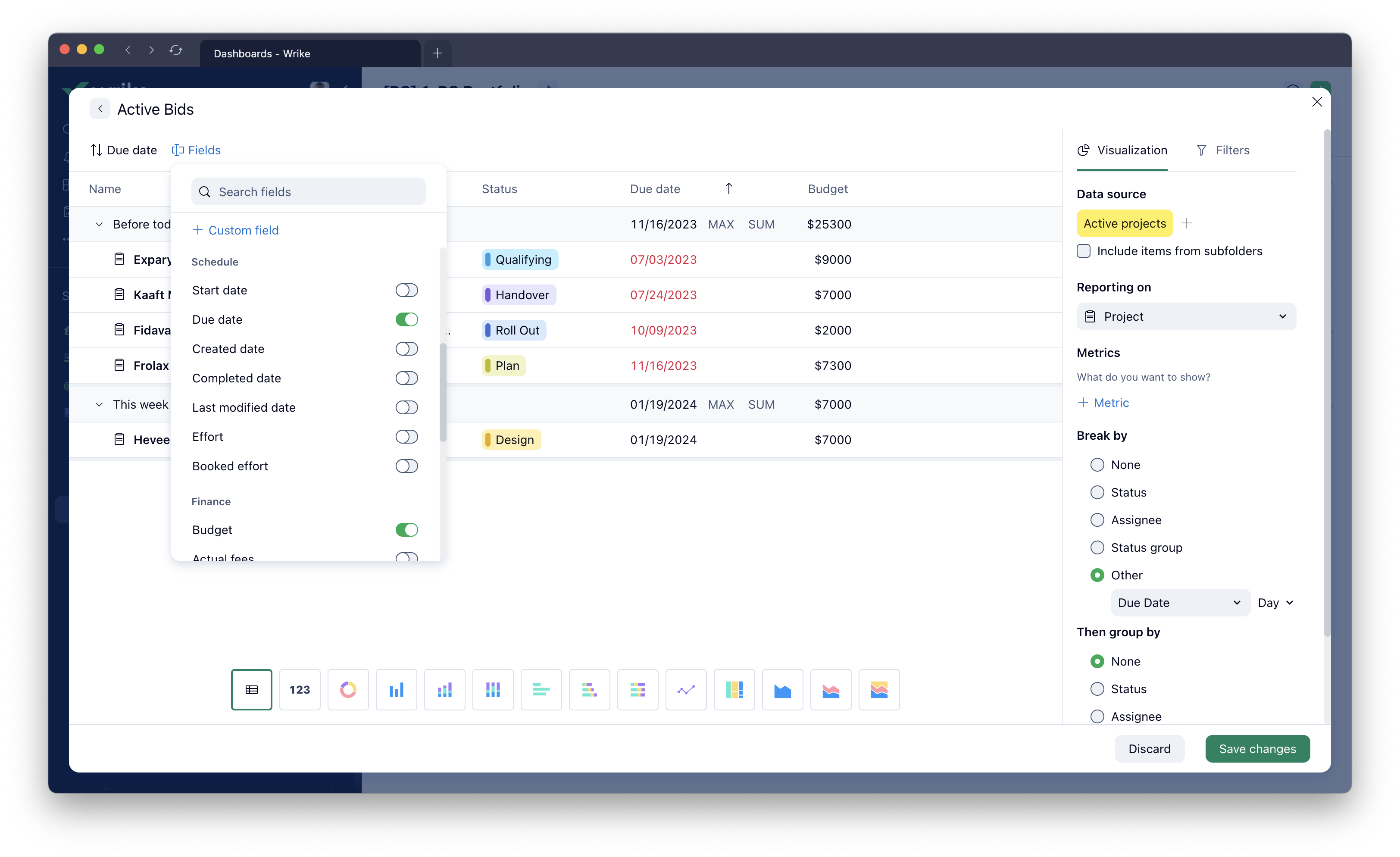
Thanks @..., now I see that field.
We were trying to replace our "Time Spent" Reports (using the templated "Time spent this week" Report) by moving this data into our Team Dashboards; however the Report allows you to open the carrot and see all the tasks for the breakdown on time spent but the Dashboard will not let you click into the column chart pillar to see the tasks. Please add the ability to click into time spent data to see the tasks. Thank you!
I agree with Meredith Selden
Thank you for sharing your use case Meredith Selden! 👍