Scroll bar location doesn't adjust on column freeze

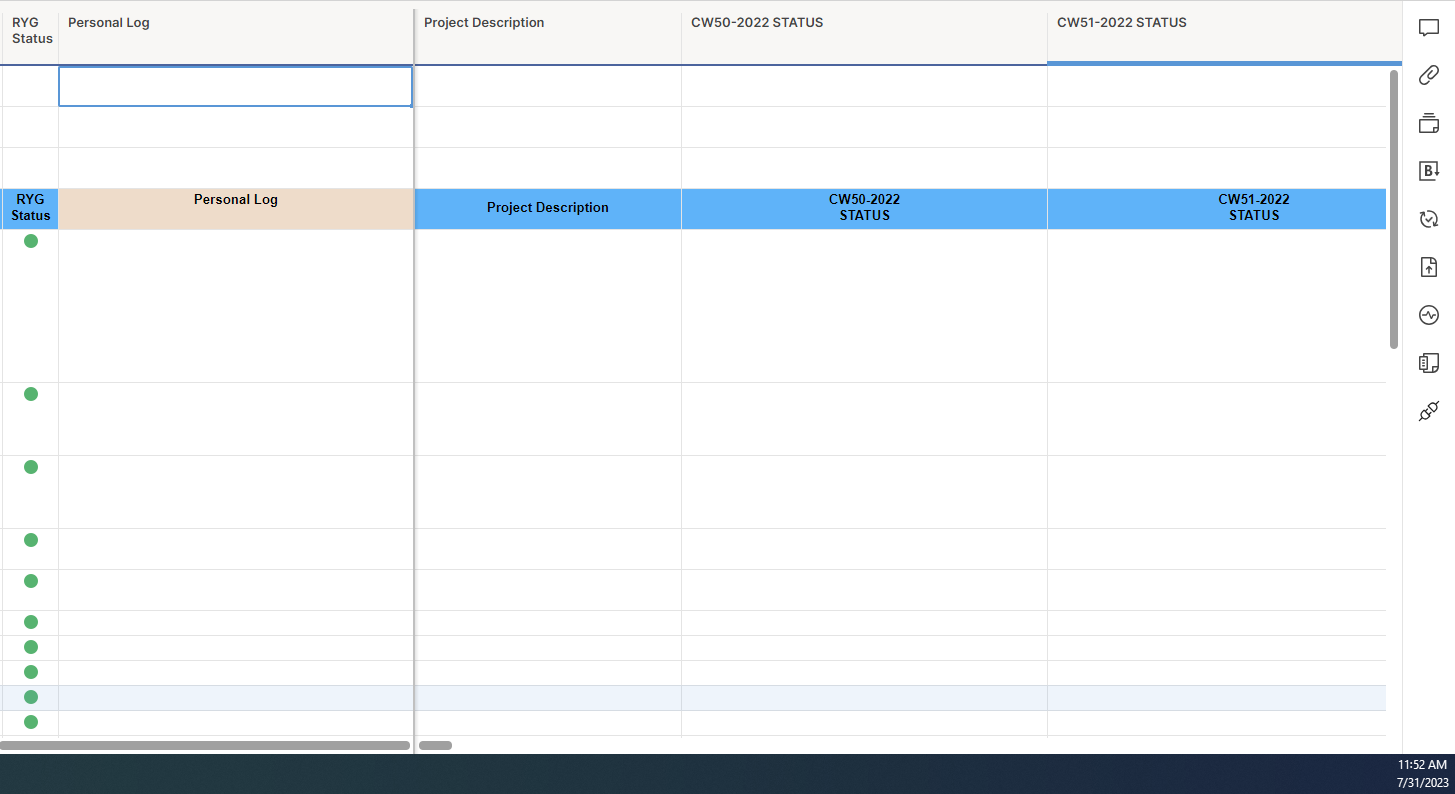
Currently, the scroll bar is not dynamic when freezing columns. For instance, if i freeze columns at a point in the middle of my screen, the scroll bar still starts all the way at the left side of the screen. It would be much more intuitive to have the left side of the scroll bar start at the point where the columns are frozen since they don't move.
Below is an example from another software that utilizes this capability.
Hi Connor Martin, welcome to the Community! Thank you for sharing your feedback with us, may I kindly ask you to specify which view are you using? Is it the New Table view?
Also, please allow me to mention that you can visit our New to Community forum to get the most out of your experience with our Community 🙂
Looking forward to your reply!
Hey @..., I'm using the regular table view. I did check against the new table view as well and it doesn't have this capability either.
Hi Connor Martin, thank you for your reply. I have opened a ticket with our Support Team on your behalf so that they can investigate this behavior and assist you with this 👍 One of our agents will contact you very soon.