BUG: Adding dashboard widgets to a single section breaks entire dashboard

Steps:
1. Create a new section in a dashboard, let's call it "Test".
2. Add a widget. Doesn't matter what it is.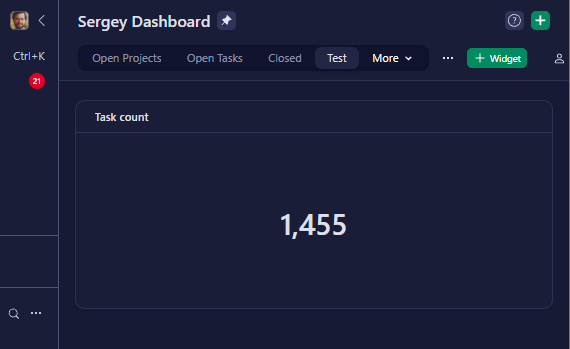
3. Start adding more widgets (can even just be simple text widgets).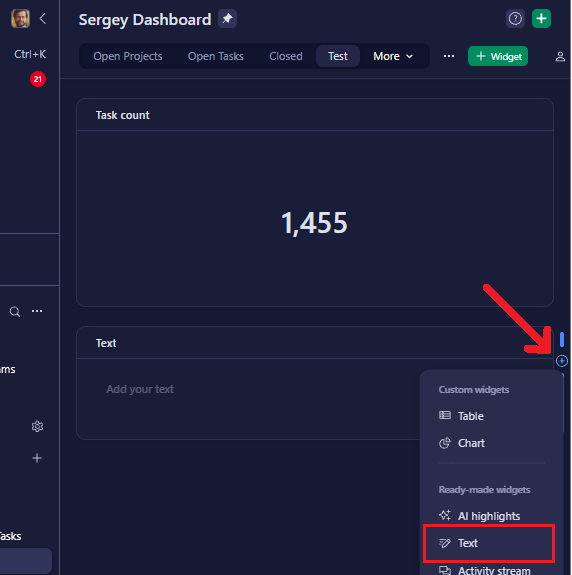
4. Inevitably (after only a couple additions), after adding something to the left, right, or above a current widget, the entire dashboard window goes blank: 
Problems:
🚩Selecting another dashboard (even in a different space) keeps that same blank dashboard screen as above.
🚩Selecting something other than a dashboard works. But then trying to select that dashboard again will no longer work.
┗ The workaround is to select that broken dashboard, copy the URL, select something else (like the Space Overview or one of the folders) in order to "wake up" Wrike, then paste the URL and change its sectionId parameter to 0 (or whatever number gets you to a section of the dashboard that isn't broken).
Cannot find a way to undo the change or get access to that dashboard section again. Can only delete it using the above workaround (🚩after which, the window will still go blank one last time). Duplicating the corrupt section propagates the error with it.
🛈 Adding widgets below the last one does not seem to cause this.
🚩Unfortunately, duplicating a widget is no longer an option, because that gets added "to the right" which often causes this glitch.
Can you help? Answer the question and work your way towards becoming a Wrike Ninja 🥋 Sign in and answer.
Accedi per aggiungere un commento.